
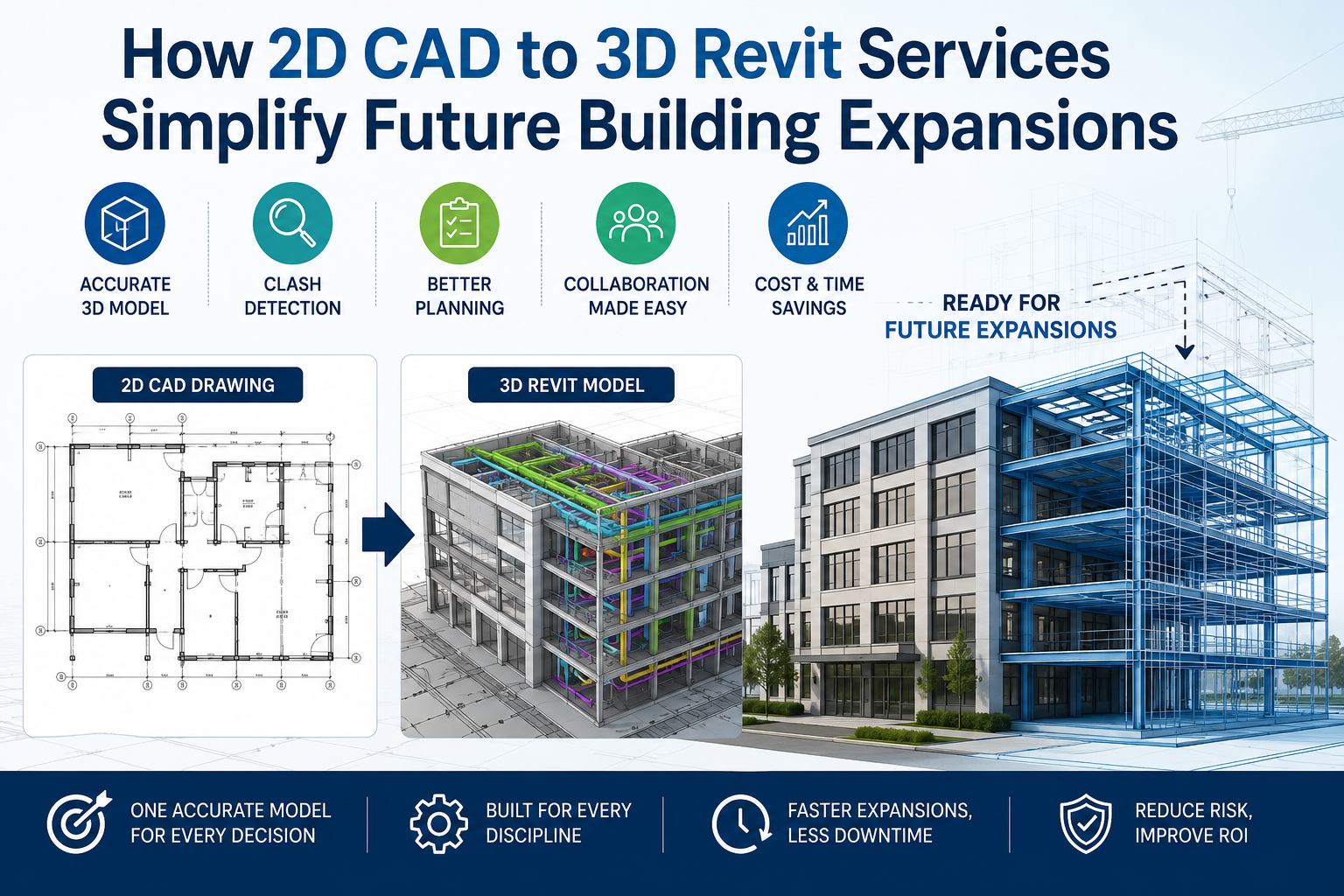
Most buildings don't remain the same for long. As operational needs change, they often undergo extensions, renovations, or structural alterations.
The problem is that when that extension is planned, the only reference is often a flat 2D CAD drawing that hasn't been updated in years. That's where 2D CAD to 3D Revit services make a significant difference.
Let's understand in detail how 2D CAD to 3D Revit services simplify future building expansions.
One Model, Every Future Decision
The problem with a 2D CAD file is that it only displays a building's appearance, failing to reflect any modifications made over time. So, every expansion planned on the basis of the old CAD begins with guesswork, which can get expensive fast.
The real value of a 3D Revit model shows up years after the original conversion. When an owner decides to expand, the design team opens an existing model that already reflects the building's true structure, systems, and dimensions.
- When a BIM company creates a 3D Revit model, it not only shows how the existing building looks but also displays changes and intricate details, so teams can test expansion options directly in the model instead of remeasuring the existing structure.
- The clash detection between new and existing systems happens before the first beam is ordered, leading to fewer surprises during construction.
- Owners keep one accurate digital record instead of a stack of outdated drawings that need re-verification every time something changes.
Built for Every Discipline
What makes future expansions simpler isn't just CAD-to-BIM models but also comprehensive CAD-to-BIM conversion services. Structural elements like slabs and beams, and MEP elements like conduits and ducts, are modelled as intelligent families too. So, a contractor or engineer working on the project later can view the layout of the building's existing systems in a single file.
Conclusion
If your project's future includes an addition, renovation, or long-term facility planning, converting your existing 2D CAD drawings into a coordinated Revit model now is the groundwork that makes tomorrow's expansion faster and less costly. If you're looking to convert your CAD or PDF drawings into a Revit model that makes future expansions simpler, contact BIMPRO LLC today.